Note: unfinished!
Prerequisite:
- PyMol (I used v2.5.2)
Obtaining the Protein File
To start molecular docking you both a target and ligand. However, it may not occur that you have the protein representation needed for the docking procedure, but may have the name of the protein in mind. This is all we need to get started.
First, go to RCSB: a popular protein data bank. This is where you’ll be downloading the protein data file needed to be used in PyMol. For this tutorial, I’ll be looking for the “beta-secretase 1” protein. Start searching for “beta-secretase 1” on RCSB, and underneath the search bar you’ll be able to see a popup that says:

Click on this and it will search for results that specifically contain what we want. There may be a lot of results that pop up under where the search was performed. It will look something like this:
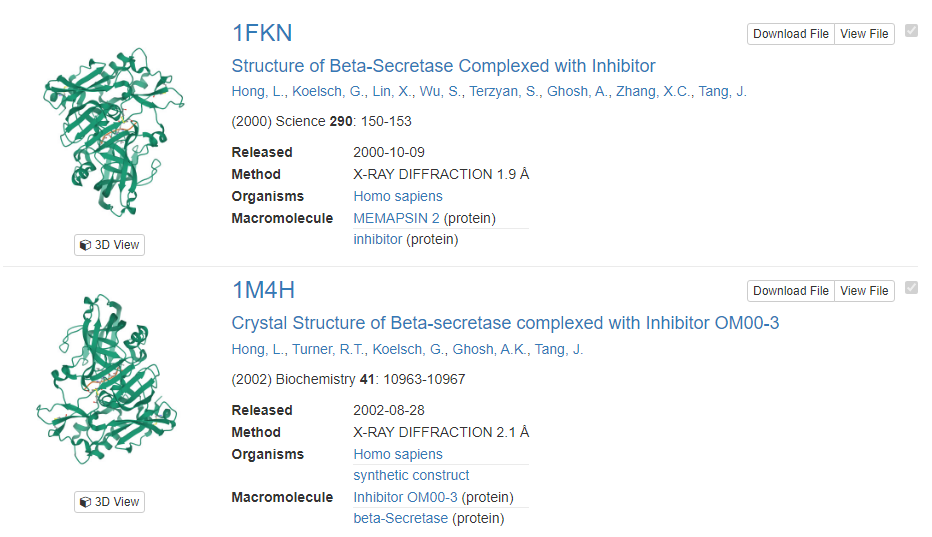
Notice how the titles of the results state that our wanted protein is already in complex with another molecule, but for docking, we want only the protein itself without any molecule. Well that’s what we’ll get after this tutorial is over.
Now, you must download the protein file. Simply click on the titles of one of the results, click the download button, and select PDB format.
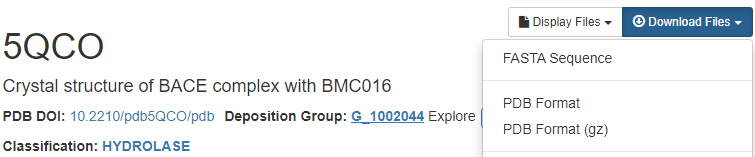
I selected to download the PDB for 5QCO as it is from relatively recent (2020). If you want to filter to receive such results, look at the refinements applicable on the left-hand side, select them, and then click the green arrowhead underneath.
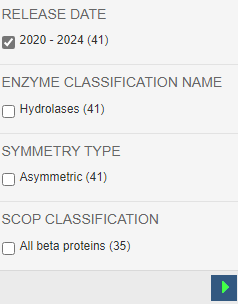
Alright, so now we have our protein and can move onto the next section.
Preparing Protein
Open up PyMol, select File > Open, and then open the PDB file of the protein you just downloaded. Now PyMol should look something like this:
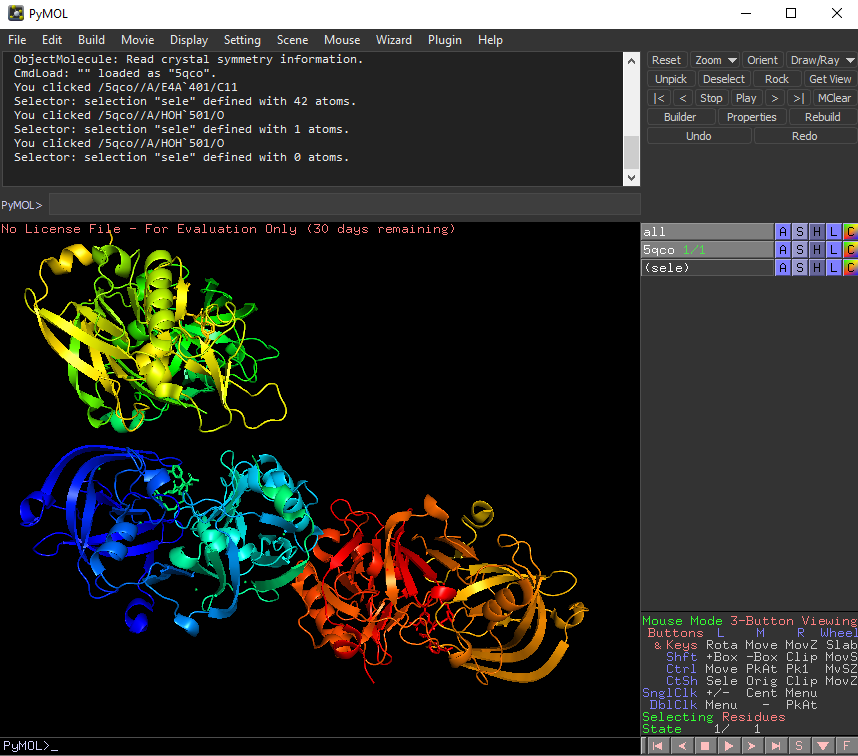
PyMol is a powerful tool for visualization, and its controls go as follows:
- Holding left click + moving mouse: rotation
- Holding right click + moving mouse: zoom in/out
- Holding middle mouse button + moving mouse: move camera up/down/left/right
Now that you have that down, we can obtain the protein we need. Right now move your attention to the right side bar on PyMol. Right click the A beside “5qco”, and left click on “remove waters”. This effectively cleans up the protein file slightly. It isn’t very visible for the protein file I selected for this tutorial, but all the waters have been deleted from